Description
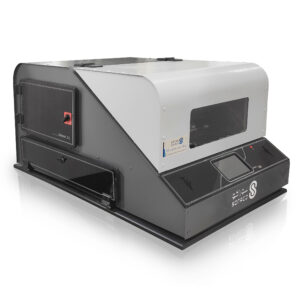
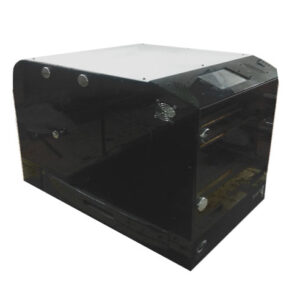
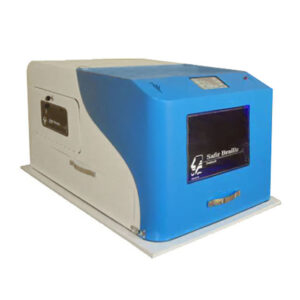
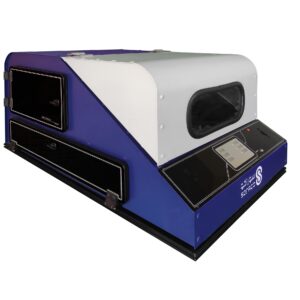
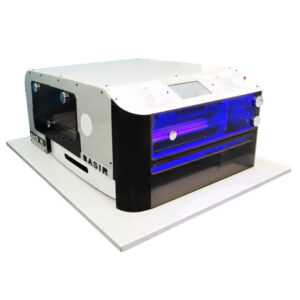
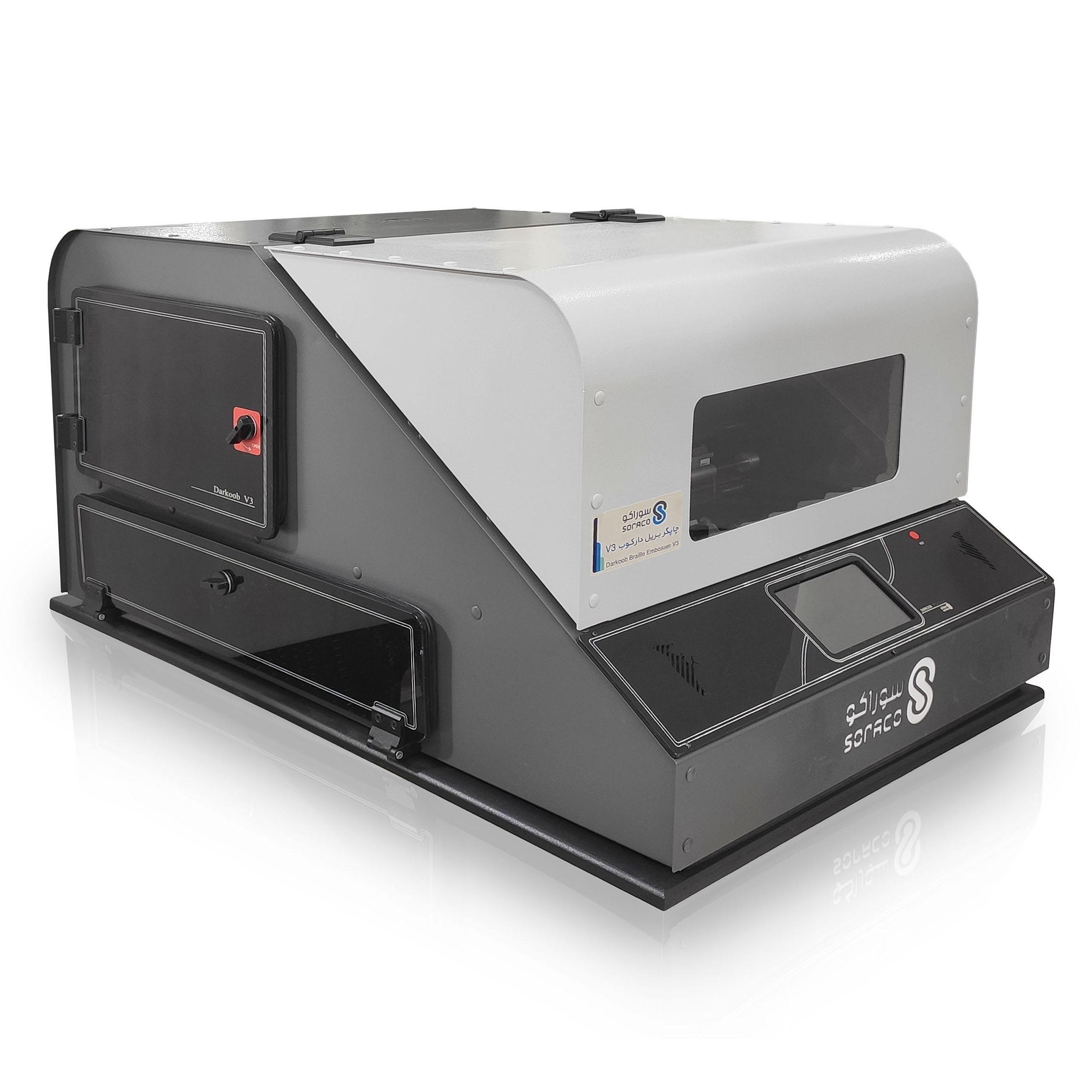
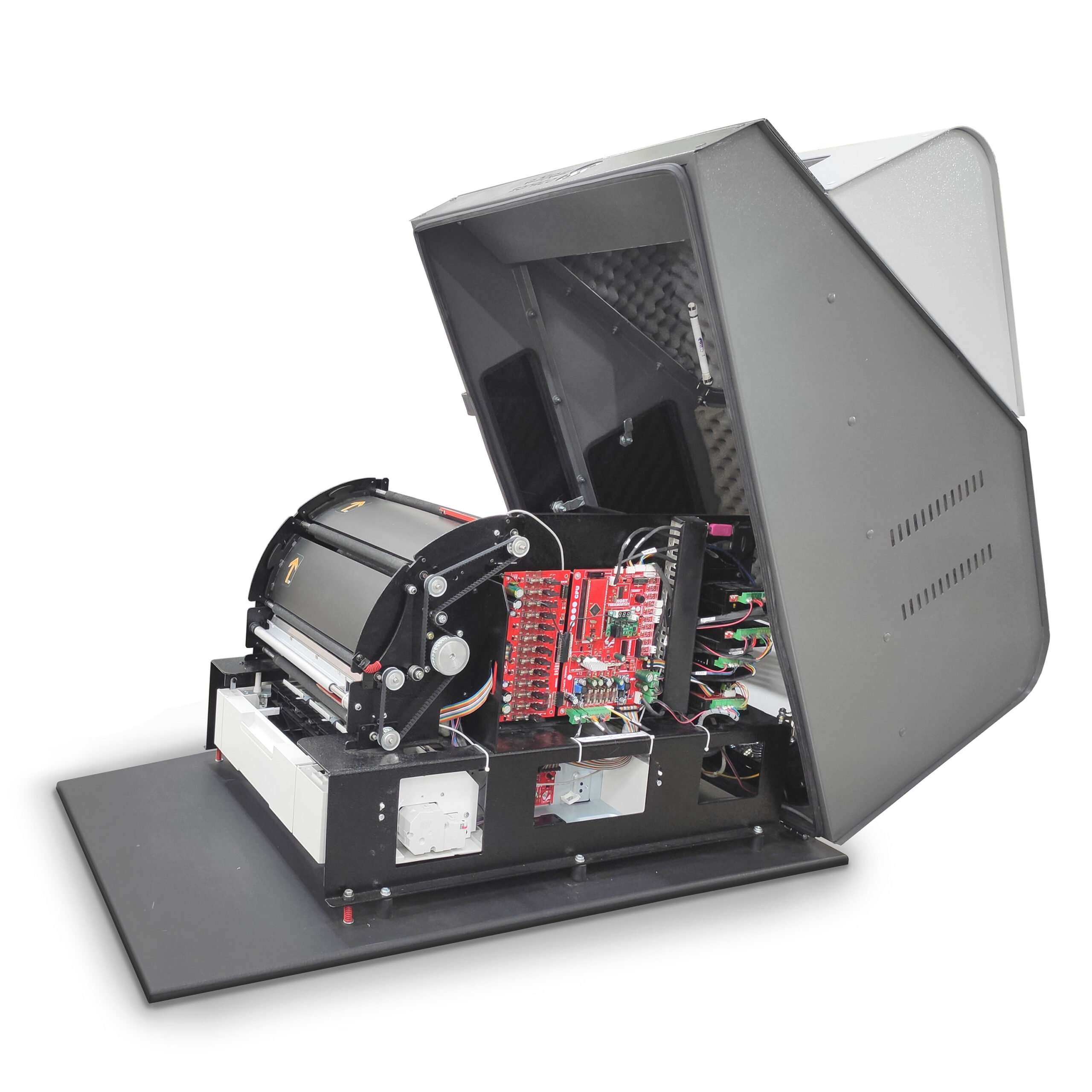
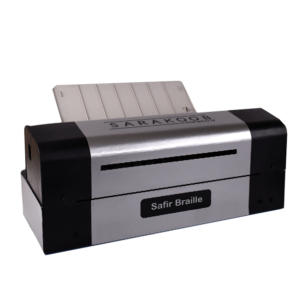
braille embosser “SBraille V3”
To print Books and magazines for the blind in Braille at high speed
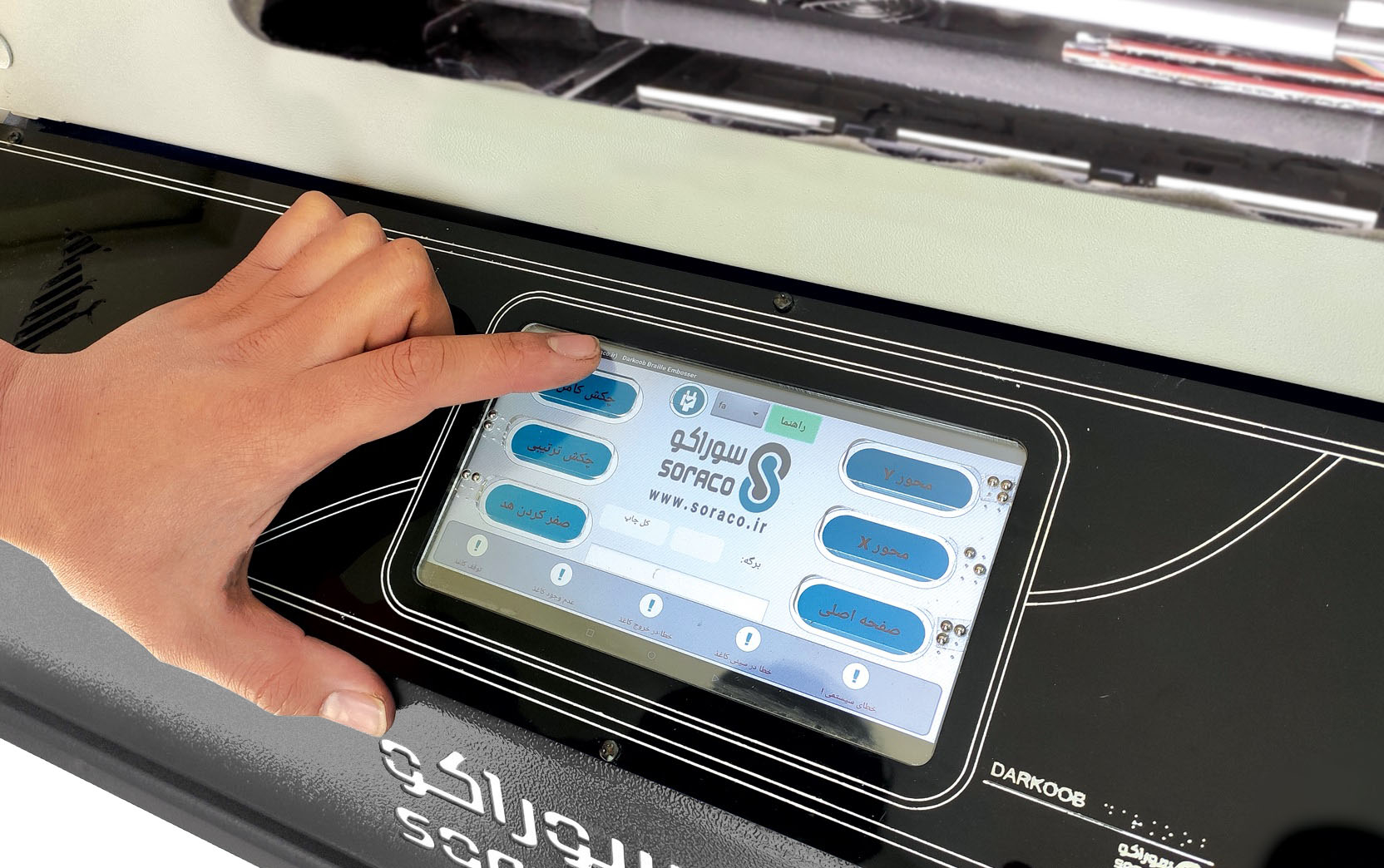
It has a color touch panel
- Possibility of printing from the device panel
- intuitive keys for the blind
Printing features
- Printing speed is 480 pages per hour
- Possibility of printing on both sides at the same time
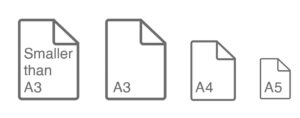
- Printing on A3, A4 and A5 paper
- Possibility of printing on paper from 120 to 180 grams
- The ability to print using internal memory without the need for a computer
Software braille embosser
- The braille embosser contains a dedicated program that supports the English language with an easy-to-use environment
- Interface with DUXBURRY software and support for other languages
- System testing and troubleshooting
- It has a built-in error detection and warning system
- System for announcing the end of the paper and the end of printing
- It has 13 simultaneous hammer and a protection system
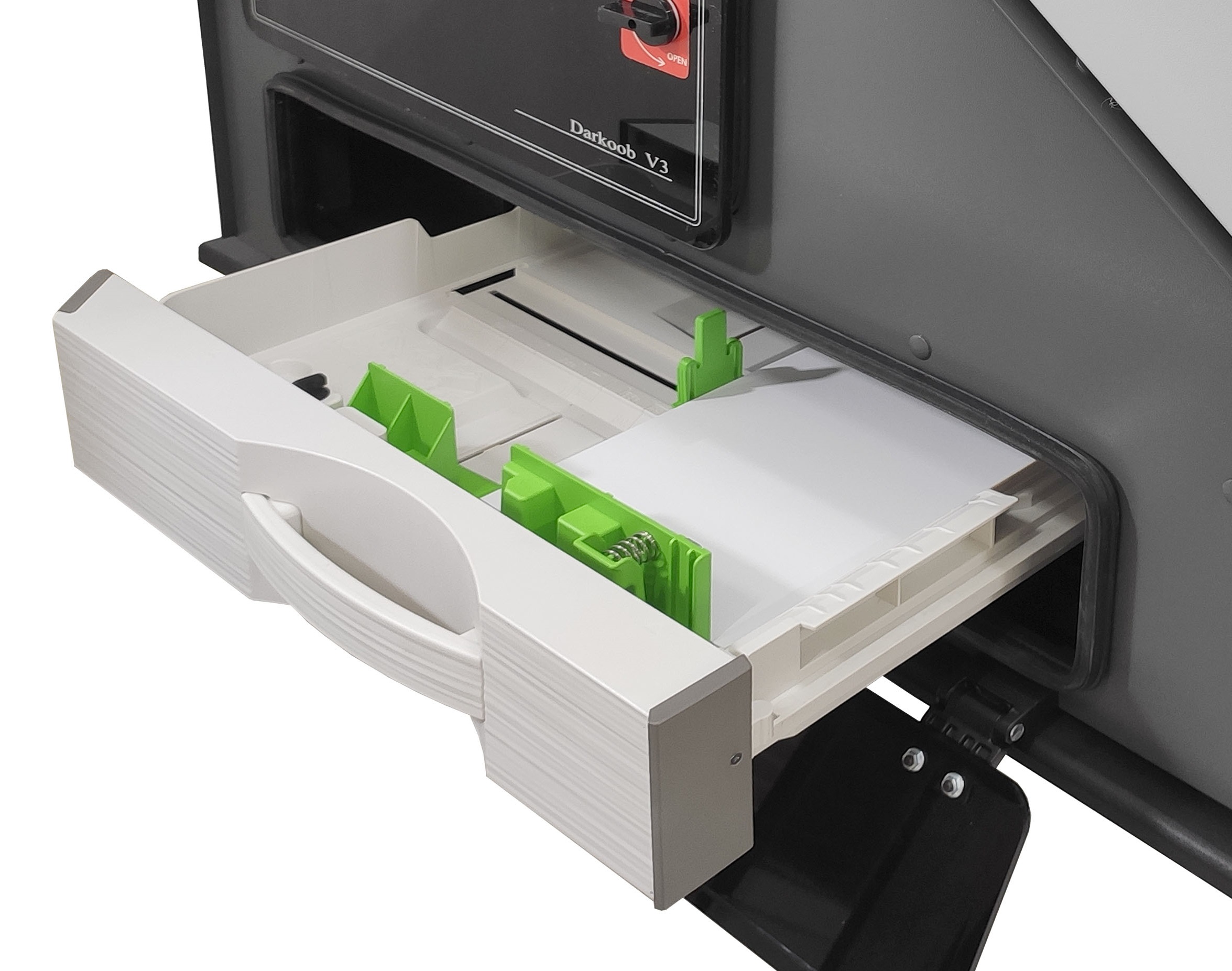
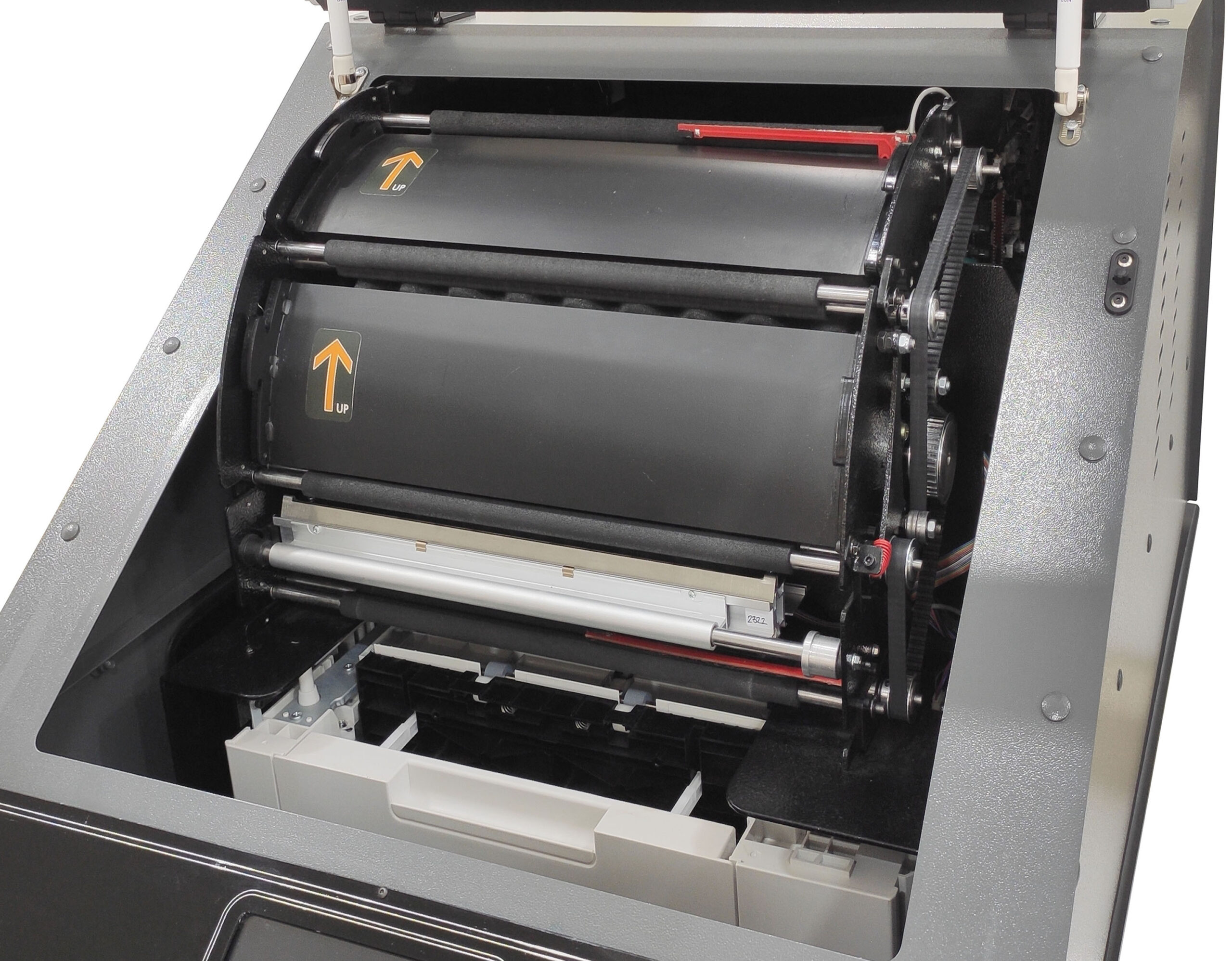
- Fully automatic paper feeder with capacity of 250 sheets
- Hammer test
- Head and roller movement test
last
- Braille dots anti-erase roller
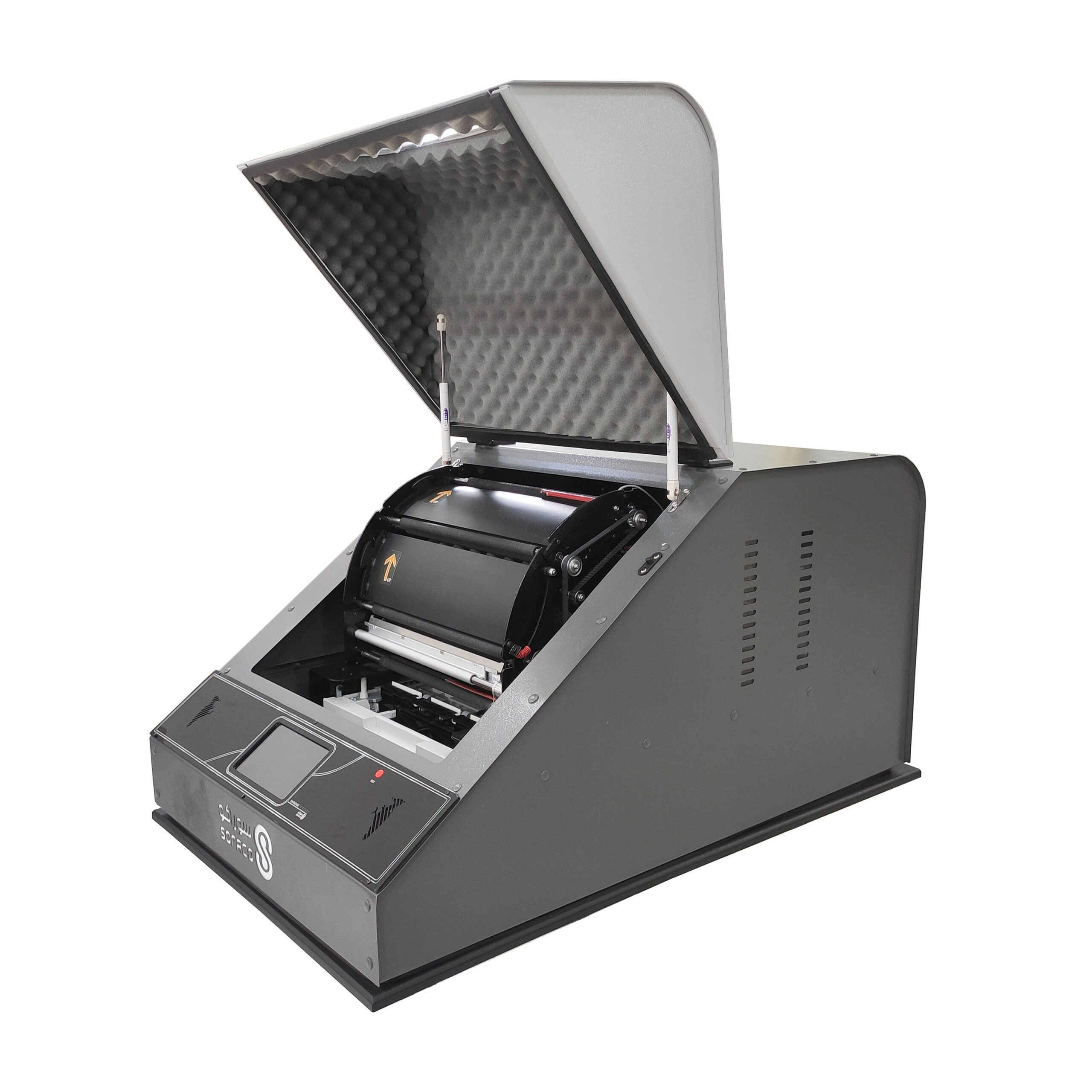
- It has a vibration and sound reduction system
- Regular collection of printed paper with automatic arm system
- Support and after-sales service
Special features of the SBraille printer
1. Double-sided printing at one time:
This device can create braille dots on both sides simultaneously without turning the paper over; So that it does not overlap with the dots on the back of the paper.
2. Used by blind and sighted people:
the blind person can choose his file and issue the printing command through the screen of this device and its six keys. This feature is considered a way to create job opportunities for the blind.
3. Printing in different sizes:
In addition to being able to print on standard A4, A3 and A5 sheets, this device can also print on arbitrary sizes smaller than A3.
4. Automatic troubleshooting and easy troubleshooting:
The SBraille printer contains a smart alarm and error detection system. Some of these warnings are related to user performance. Such as warning that the paper has finished, opening the machine door, announcing the end of printing, and stopping the paper in the printing process.
Some other warnings are related to a device error, and in many cases the user can repair the device using easy-to-replace spare parts using the support guide.
5. Anti-erase roller for Braille dots:
One of the most important differences between braille embosser and regular printers is the prominence of Braille printing. Accordingly, the paper path rollers should not be such that inserted raised letters are erased. In the manufacturing process of the SBraille printer, foam-covered rollers are used so that the letters are not damaged.
Short catalog
View on the site >
Download >
Detailed catalog
View on the site >
Download >


sh n –
best printer